Developer Dashboard MLS Cyprus: Managing Projects, Leads, and Listings from One View
Manage all your real estate projects, leads, listings, and client data from one central dashboard. Keep records up to date, streamline workflows, and help your team work more efficiently.
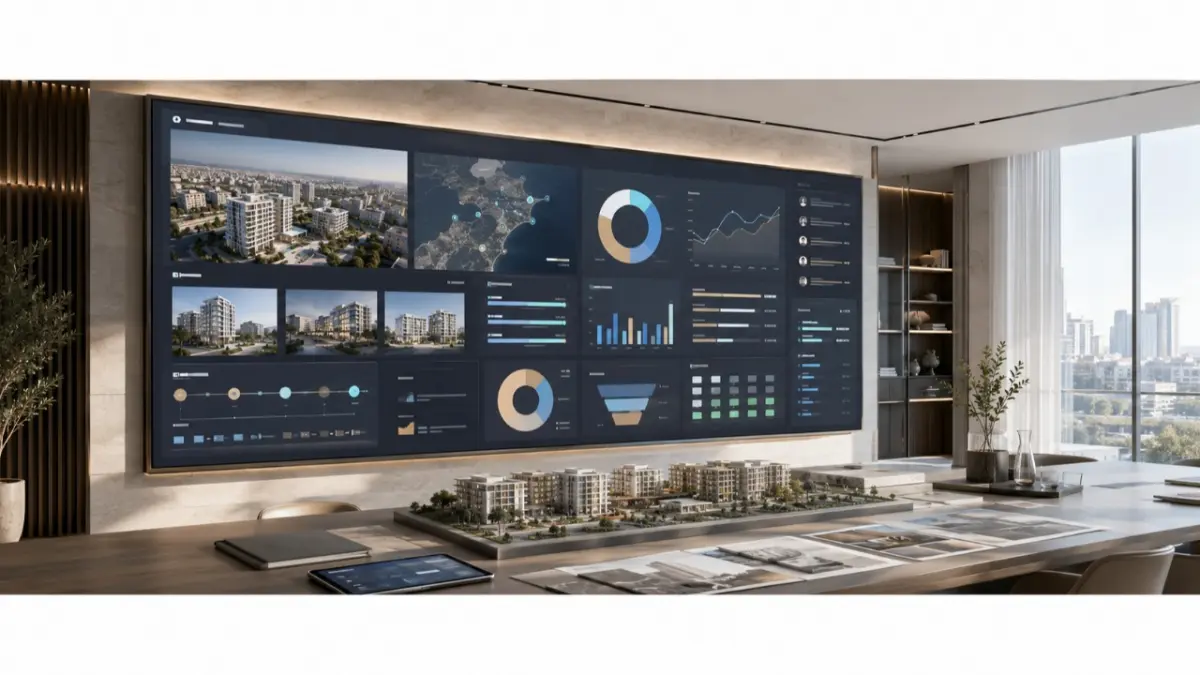
A development team is preparing for a sales meeting on a new Limassol project. Unit inventory sits in a spreadsheet, buyer inquiries are in the CRM, and the latest availability update was sent through a chat. The information exists, but no one can immediately confirm which version is current. Before discussing sales activity, the team has to assemble the facts.
A developer dashboard is useful when it helps managers see project inventory and sales activity together. Its value comes from making the information behind decisions easier to review.
Fragmented Information Slows Decisions
A CRM may show buyer conversations without showing the status of the units those buyers asked about. An inventory spreadsheet may show available apartments without showing whether anyone has inquired about them. Agents may still have a brochure that predates the latest price change.
As projects and sales channels multiply, managers spend more time reconciling records. Meetings begin with questions about which figures are current, leaving less time to decide what the team should do next.
What a Dashboard Should Help Teams Review
A useful dashboard starts with the questions a team regularly asks. Depending on the data available, those questions may include:
- Which projects and units are currently available?
- Which listings need updated details or materials?
- Where are buyer inquiries coming from?
- Which inquiries still need follow-up?
- Have agents been informed about recent status changes?
The dashboard brings relevant information into view. Managers still need to interpret it, check its quality and decide what action to take.
Why Structured Inventory Comes First
Cyprus developers may work across Limassol, Paphos, Larnaca and Nicosia while receiving inquiries from local buyers, overseas buyers and partner agents. That creates a strong need for consistent project and unit records.
A dashboard built on outdated or incomplete listings can make a mistake look authoritative. Before relying on reports, the team needs clear rules for prices, availability, listing status and responsibility for updates. It also needs a way to connect inquiries to the properties that prompted them.
When those records are maintained, managers can review buyer activity alongside the inventory the sales team is actually able to offer.
Use Project Views to Support Sales Meetings
A project view can help a manager prepare for a meeting without collecting a new spreadsheet from each team member. It may show available units, recent inquiries and outstanding follow-ups, according to the systems connected to the report.
That context helps the team ask better questions. If a project attracts inquiries but few viewings, managers can review how agents respond. If a unit is repeatedly discussed despite a status change, the team can correct the information agents use. If listings are incomplete, the team can assign the updates before the next campaign.
The purpose is to identify where action is needed, not to treat every chart as an explanation.
Design Reporting Around Decisions
Dashboard requirements should come from the work managers need to do. A sales manager checking follow-up needs a different view from a developer reviewing unit availability across several projects.
Before building reports, the team should decide:
- Which questions the dashboard must answer.
- Where each data field comes from.
- Who is responsible for keeping it current.
- Which employees or partners may see it.
- How property status changes reach agents.
- How buyer information is protected.
This gives the dashboard a practical role in daily work. Adding more metrics without clear ownership can make reporting harder to trust.
Test with Real Sales Situations
The best way to assess a reporting workflow is to use cases the team already faces. What happens when a unit is reserved after an inquiry? Can a manager see which agent owns the follow-up? Does a price change appear in the information used for the next sales meeting?
These checks reveal gaps in the underlying process. A dashboard can only reflect the data and connections available to it, so the team should confirm its update frequency, access permissions and reporting options during setup.
Where MLS RealtyHub Fits
MLS RealtyHub can provide a structured environment for managing developer projects and unit inventory. That property layer is a useful foundation for reporting because managers need dependable listing records before they can interpret project activity.
Developers considering a dashboard should first identify their source of truth for inventory, then define which sales and inquiry information needs to appear beside it. They can evaluate the available MLS RealtyHub account and reporting options against those requirements.
Frequently asked questions
What should a property developer dashboard show?
It should answer the team’s most important operating questions, such as what inventory is available, which listings need attention and which buyer inquiries require follow-up. The exact view depends on the connected data and configuration.
Can a dashboard replace inventory updates?
No. Someone still needs to maintain prices, availability and property details. A dashboard can make those records easier to review, but it cannot make outdated source data accurate.
How should a developer plan a dashboard?
Start with the decisions managers need to make. Define the source of each data field, who updates it, who may see it and how the team will test the view during ordinary sales situations.