Developer FAQ MLS Cyprus: Questions About MLS RealtyHub
Clear answers to common developer questions about MLS RealtyHub, project records, unit availability, agency access and integrations in Cyprus.
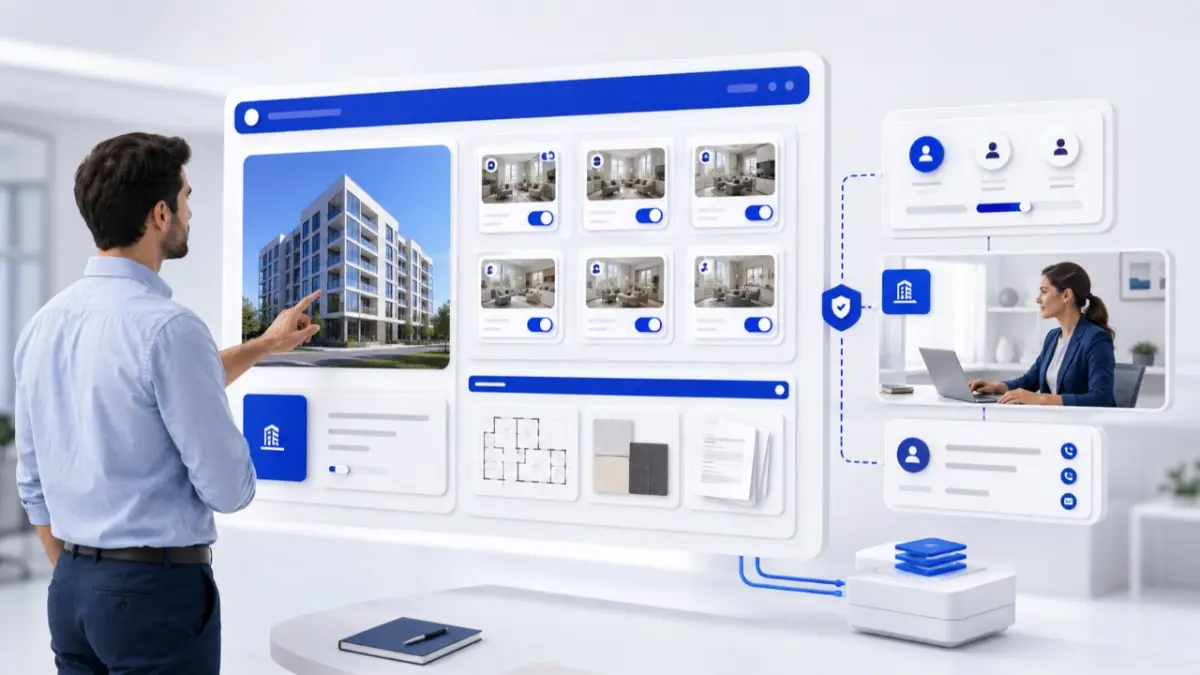
This developer FAQ explains how MLS RealtyHub helps organise new developments for professional distribution. It covers projects, units, availability, approved materials and agency access, while clarifying what remains under the developer’s control.
How MLS helps developers
What is an MLS for property developers?
An MLS is a structured digital system for organising, presenting and distributing property information to professional participants. A developer can connect a company profile with projects, units, prices, availability and approved materials.
How does an MLS help developers in Cyprus?
It gives the company one structured environment for project and unit information. Teams can update inventory and provide agencies with approved materials. The workflow still depends on accurate data and clear responsibilities.
Is an MLS the same as a public property portal?
No. A portal mainly helps the public discover advertised properties, while an MLS supports structured records and professional distribution. A project may appear in both systems, but publication in MLS RealtyHub does not mean automatic placement on every external portal.
Does an MLS replace the developer’s website?
No. The website remains the company’s public channel for its portfolio, project story and direct enquiries. The MLS organises project and unit information for professional use. Both may work from the same approved data.
Does an MLS replace a sales team or agency?
No. MLS RealtyHub provides infrastructure for listing information and distribution. The developer’s team and licensed agencies continue to manage communication, viewings and transactions.
Developer accounts and project portfolios
Who can use a developer account?
Developer accounts are intended for property developers and new-development companies. The MLS RealtyHub team can explain the onboarding requirements and account options for a particular portfolio.
Can one company manage several developments?
Yes. A developer can organise multiple projects and locations within one corporate portfolio, subject to its account configuration.
Can several employees work with the same portfolio?
Yes. Staff accounts, team permissions and visibility controls support work across a portfolio. The company should assign responsibility for project descriptions, unit statuses, prices and documents.
What can a developer dashboard be used for?
The Developer Dashboard is an authorised workspace for managing project and unit information, inventory, availability, media and documents. Staff access depends on assigned permissions.
Projects, units and current information
What belongs in a project record?
A project record describes the development as a whole. It may include its official name, developer, location, property types, construction stage, specifications, amenities, plans, images, documents and contact route. Information shared by all units should remain at project level.
Does every unit need a separate record?
Yes, when units have their own reference, price, size, layout or status. Each unit can have a record linked to the development, containing details such as its floor, areas, parking, price, availability and plan.
Can off-plan and pre-launch projects be included?
Yes. The record should distinguish current facts from expected dates and clearly label visualisations. Publishing a project does not replace planning, legal or technical checks.
Who is responsible for project-data accuracy?
The developer is responsible for the information it supplies and approves. Assign owners to project content, inventory and materials. MLS RealtyHub structures and distributes those records; the developer must keep them accurate.
How should prices and availability be updated?
A change should begin in the developer’s designated source record. The responsible person then updates the MLS entry and affected files. Dashboard tools, spreadsheet import or a configured API/XML connection may support the chosen workflow.
Can an old brochure be used as the availability source?
No. A brochure can explain the project, but it is a dated file rather than a live inventory record. Current prices and statuses should be maintained separately, and outdated files should be withdrawn or marked as superseded.
Project materials and agency access
Which materials can a developer prepare for agencies?
Common materials include plans, brochures, specifications, renders, photographs, maps, price lists and availability files. Each file needs an owner, approval status, version date and intended audience.
Can developers use branded and unbranded project pages?
Yes. Branded and unbranded presentation options allow developers to define how project information is shared. The developer should decide when its identity must remain visible, what an agency may share and whether a co-branded version needs separate approval.
How do agencies receive developer information?
Authorised users can access project information according to the developer’s distribution and visibility settings. Depending on their access, agencies may see project descriptions, unit records, plans, availability and contact routes.
Can agencies edit the developer’s source information?
Only where their permissions allow it. The developer or its authorised team should control the source record, while agents use approved information in their client work. Prices, specifications, statuses and company contacts should not be changed independently.
Does professional access verify every project and participant?
No. Access to a professional platform does not independently establish ownership, authority to market a unit or the legal status of a project. Those matters require appropriate checks and transaction documents.
CRM, API and connected workflows
Does MLS RealtyHub replace a CRM?
No. The MLS manages structured property information and professional distribution, while a CRM manages contacts, tasks, communication history and follow-up. An enquiry may refer to a project or unit, but the relationship record and next action belong in the CRM.
What can a CRM connection support?
Developer CRM Integration can connect an enquiry with its source, project, unit, agency, salesperson and next action. The connection should be configured around the systems and fields the developer uses. A CRM should not become an independent source of current inventory.
When does a developer need an API?
An API is useful when several systems need repeatable exchange of project or unit information. Developer API Integration requires field mapping, authentication, permissions, validation and error monitoring. A limited portfolio may use a controlled dashboard or spreadsheet workflow.
Does an API make property data accurate automatically?
No. An API transfers data supplied by its source, including incorrect values. Accuracy depends on stable unit references, field ownership, validation and error review.
Responsibility and expected results
Does MLS RealtyHub replace legal or technical review?
No. Ownership, permits, contracts, construction status and other transaction-specific matters require the appropriate professionals and official records.
Can MLS RealtyHub guarantee enquiries or sales?
No. MLS RealtyHub provides tools for structured information, availability management and professional distribution. Enquiries, agency activity, reservations and sales depend on the project, pricing, market, audience and work of the participating teams.
Prepare a developer account for professional distribution
Before publishing the first project, assign data owners, standardise unit references, review prices and availability, approve plans and materials, define agency-access rules and choose an update process. Request an MLS RealtyHub workflow review to discuss the account and integration options for your portfolio.
Frequently asked questions
What should a developer prepare first?
Start with the company profile, active projects, unit list, current prices, availability and approved materials. Then assign responsibility for updates, permissions and enquiry follow-up.
Is an API required to start?
No. The appropriate method depends on the number of projects, units and connected channels. Dashboard, bulk-import and API/XML workflows offer different ways to manage project information.
How can a developer begin using MLS RealtyHub?
Prepare the company, project, unit and material records. Then contact MLS RealtyHub to discuss onboarding, permissions, imports and the workflow suited to your portfolio.