Developer Landing Pages Cyprus: Turning Project Pages into Sales Assets
Create project microsites automatically with MLS data integration. Display current listings, prices, availability, and project information in one place, without manual updates or duplicate data entry.
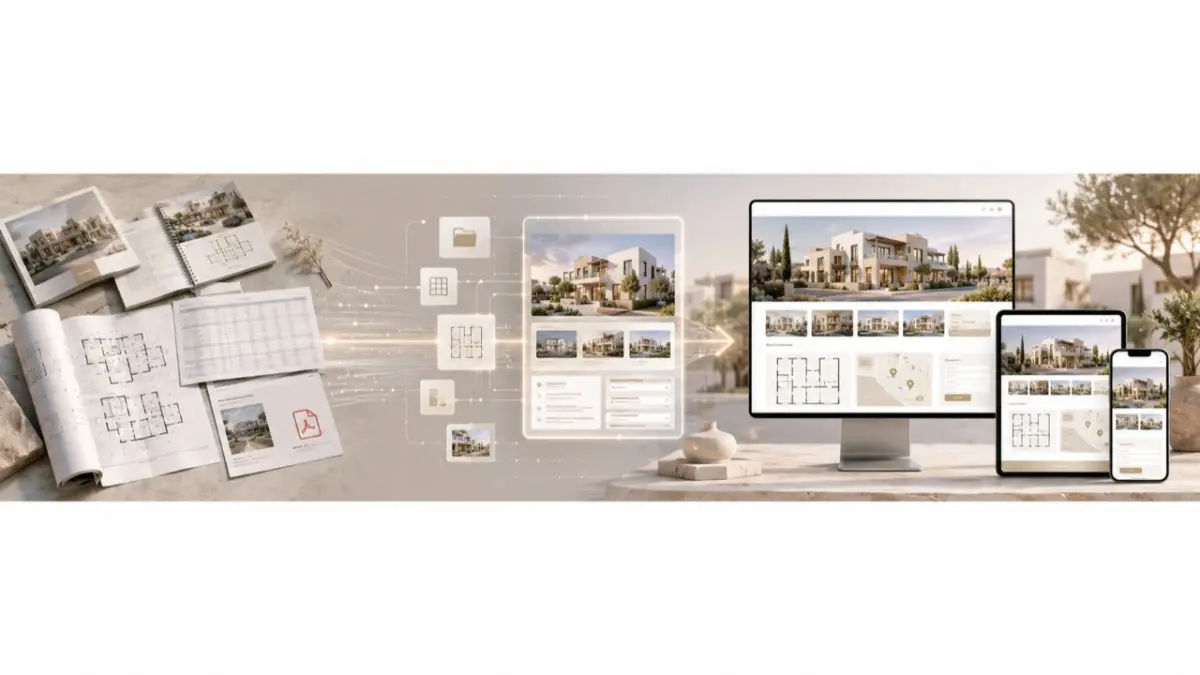
A developer launches an apartment project in Limassol. The campaign is live, the visuals look polished and the project page is ready for buyers. But the page shows one version of availability, the brochure shows another, and the latest unit update is in a spreadsheet that not every agent has seen.
When a buyer asks about a specific apartment, the sales team has to check manually before answering. The page has attracted an inquiry, but it has also exposed a gap in the project workflow.
For developers, a landing page is more than a design asset. It needs accurate project information, a clear inquiry path and a team ready to respond.
After Launch, the Page Becomes Part of Sales
A project page starts doing its most important work after the campaign begins. Buyers ask about units. Agents check availability. The sales team follows up. Meanwhile, prices, statuses and materials may change.
If the page is maintained separately from the working project inventory, it can quickly become another source the team must verify. A useful developer landing page in Cyprus helps buyers understand the project while giving the sales team reliable context for the next conversation.
Where Project Pages Lose Accuracy
At launch, the page, brochure and price list may agree. A week later, a unit is reserved or a price changes. If each asset is updated through a separate process, conflicting versions begin to circulate.
The team needs to know who maintains the project information and which details can be published. Without that ownership, even a well-designed page can create doubt when a buyer compares it with an older brochure or an agent’s saved file.
Build the Page Around Buyer Questions
A buyer visiting a project page should be able to understand:
- What the development offers.
- Where it is located.
- Which property types are relevant to them.
- What the plans and visuals show.
- How to ask about a unit or arrange the next step.
The emphasis will differ by project. A Limassol apartment development may need a clear unit overview. A Paphos villa project may benefit from more space for layouts and outdoor features. A Nicosia project with several similar apartments may need to make their differences easier to understand.
The page should answer practical questions before asking the visitor to make contact.
When a Project Microsite Makes Sense
A single campaign page can work well for a focused offer. A larger development may need a project microsite with room for the concept, location, property types, floor plans, media and inquiry options.
More sections are useful only when they help buyers evaluate the project. A microsite should make the development easier to understand and give the sales team a clearer picture of what prompted each inquiry.
Set the Inventory Rules Before Design
A polished layout cannot fix unreliable project data. Before building the page, the developer and sales team should agree on:
- Which units may be shown publicly.
- Whether prices and availability will appear.
- Which floor plans and images are approved.
- Who updates the page when a unit changes status.
- How agents learn about the same change.
- What information accompanies an inquiry to the sales team.
These decisions keep the page connected to the way the project is sold. They also make later updates easier to manage.
Check the Sales Workflow Before Publishing
A pre-launch review should go beyond design and spelling. The team should test the questions a real buyer may ask: Does the unit shown on the page match the current project record? Can the sales team identify which unit prompted an inquiry? Who corrects the page when availability changes?
It is also worth checking the page on a phone and completing the inquiry form as a visitor would. The sales team should receive enough context to answer directly, rather than a message that simply says someone is interested in “the project.”
Where Conversion Value Comes From
A page cannot guarantee more leads or sales. It can remove obstacles that prevent an interested visitor from taking the next step.
Clear project details help a buyer decide whether the development fits their needs. Current information reduces the need for corrections during follow-up. A focused inquiry path helps the sales team understand what the buyer wants. Results still depend on the project, traffic, pricing and the quality of the sales response.
How MLS RealtyHub Fits the Process
MLS RealtyHub can help developers organize project and unit information before that data is used in sales materials. A structured inventory record gives the team a clearer basis for reviewing what appears on a campaign page and what agents share with buyers.
Developers should confirm the specific page publishing and integration options available for their setup. The first step is to establish the current project record and the people responsible for updating it. The landing page can then present the project without becoming a disconnected version of its inventory.
Frequently asked questions
What should a property project landing page include?
It should explain the project and location, show relevant property types and approved visuals, and give visitors a clear way to ask about a unit or take the next step.
What is the difference between a landing page and a project microsite?
A landing page usually focuses on one campaign or offer. A microsite gives a larger project more room for details such as location, unit types, floor plans and media.
How can developers keep a project page accurate after launch?
Assign responsibility for updates, maintain a current project inventory record and check that changes to prices or unit statuses reach the page and the agents using its materials.