Developer Sales Tools Cyprus: Sales Tools for Developers – RealtyHub MLS
Learn how Cyprus developers use MLS-integrated sales tools, CRM, automation, broker access and dashboards to manage inventory and follow-up.
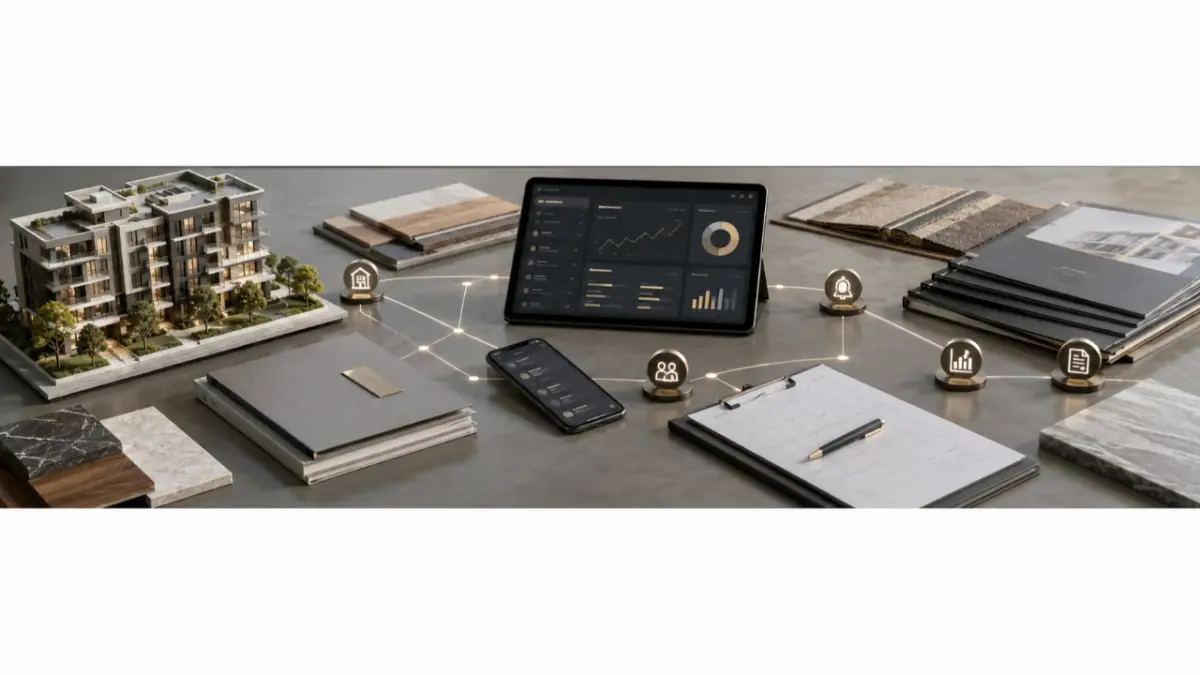
A developer’s sales process becomes harder to manage when unit availability, broker access, buyer inquiries and follow-up live in separate files and conversations. An agent may ask whether an apartment is available while the sales manager checks a spreadsheet and another team member searches the CRM for the buyer’s details.
Developer sales tools in Cyprus are most useful when they help those people work from the same project context. The aim is to make current information easier to find, give every inquiry an owner and keep the next action visible.
Start with Current Project Inventory
The sales team needs a working record of projects and units. It should be clear which units are available, which are reserved and which details or materials agents may share with buyers.
PDFs and spreadsheets can present a project, but saved copies can remain in circulation after a change. Assigning responsibility for inventory updates gives the team a clearer source to check before answering a buyer or distributing revised information to brokers.
Connect Inquiries to the Right Project
A CRM record is more useful when it shows why a buyer contacted the team. Which project or unit prompted the inquiry? Who is handling the conversation? What did the buyer ask, and what was promised next?
A team CRM for developers can help keep that context available to internal sales staff. Where external brokers are involved, the developer also needs clear rules for introductions and follow-up so the same buyer is not contacted without coordination.
The CRM should support the relationship. The sales team still needs to check current unit information and speak with the buyer.
Give Brokers Clear Access
Brokers need the project information approved for their work: available options, relevant floor plans, current prices and a sales contact for questions. They may not need every internal note or buyer record.
Controlled access helps developers share useful inventory while keeping responsibilities clear. It also gives the team a reason to review old brochures and files that partners may still have saved after an update.
Use Reminders to Support Follow-Up
Sales automation is valuable when it helps people remember and complete routine actions. Tasks and reminders can support a follow-up after an inquiry or prompt the team to check a unit status.
Automation should follow an agreed process. If no one knows who owns a lead or updates availability, a reminder will not resolve the underlying confusion. Personal communication, negotiation and the decision to proceed remain with the salespeople involved.
Give Managers a Practical Review
A manager preparing for a sales meeting needs to know which projects have current inventory, which inquiries require action and where a conversation has stalled. Reporting can make those questions easier to answer when the team records its work consistently.
The point of a dashboard is to support a decision: update a unit record, clarify a broker question or assign an overdue follow-up. More charts will not help if the project data and lead ownership remain unclear.
Map the Process Before Adding Tools
A developer should first follow a typical inquiry from its source to the next sales action. Note where someone has to search for a file, ask who owns the buyer or confirm availability outside the working record.
Then agree on the essentials: who maintains inventory, what brokers can access, where buyer notes belong, who assigns follow-up and how managers review open work. This makes it easier to choose tools that fit the team’s projects.
MLS RealtyHub provides a structured environment for developer inventory and sales work. Teams evaluating it should check the account capabilities and any separately scoped connections against their actual workflow. The value lies in clearer coordination between the property, the people presenting it and the buyer asking about it.
Frequently asked questions
What are sales tools for property developers?
They are tools and processes for managing project units, professional access, buyer inquiries, follow-up tasks and sales activity.
Why does a developer team need CRM context alongside inventory?
Inventory shows what the team can offer. CRM context shows who asked about it, who owns the conversation and what should happen next. Both are needed for a useful response.
Should a developer automate its sales process immediately?
First define who owns leads and inventory updates. Reminders and other automation can support that process once the responsibilities and steps are clear.