Digital Business Card for Agents in Cyprus: The New Face of Real Estate Networking
Create a professional digital profile page verified through MLS.
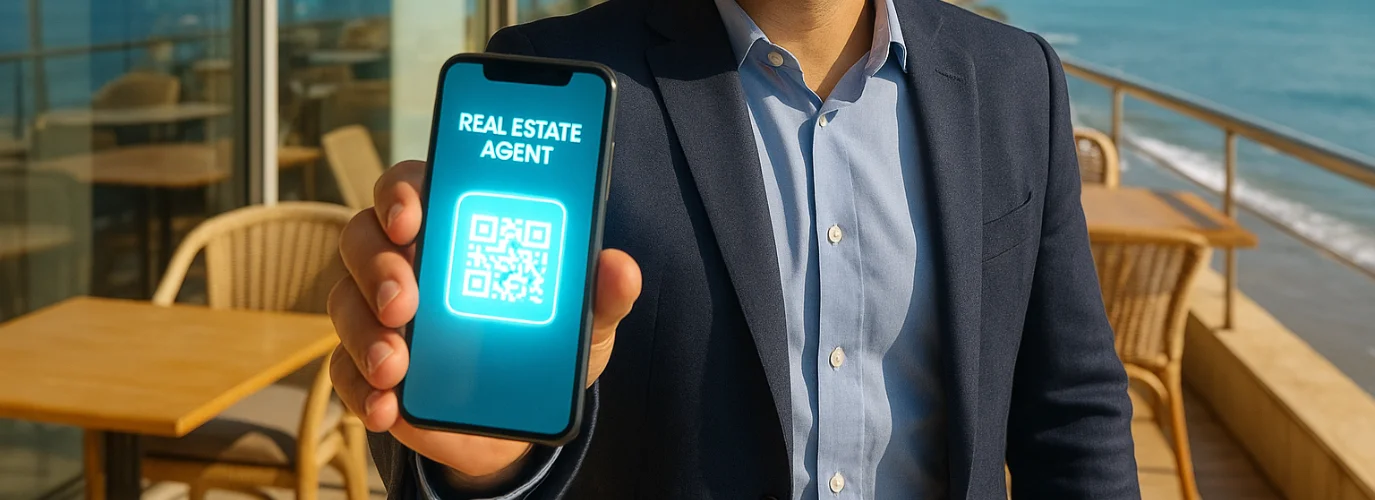
A printed business card is useful at a viewing or networking event. A digital card adds something practical: clients and colleagues can open your contact details, save them, and follow a link to learn more about your work.
For a real estate agent in Cyprus, that link might lead to a website, a professional profile, or a selection of properties. The card makes the introduction easier; the quality of the information behind it gives people a reason to stay in touch.
What Is a Digital Business Card?
A digital business card is a shareable page or contact record containing your professional details. Depending on the service you choose, you can send it as a link, display a QR code, or share it with an NFC card.
A useful agent card might include:
- Your name, photograph, and agency.
- Your phone number, email address, and preferred contact method.
- Links to your website, professional profile, or social accounts.
- A short description of the areas and property types you work with.
Keep the card focused. Someone opening it after a brief conversation should quickly understand who you are and how to reach you.
Why Real Estate Agents in Cyprus Need a Digital Business Card
Property searches involve repeated conversations. A buyer you meet at a viewing may want to contact you weeks later, when their plans or budget become clearer. A digital card gives them an easy way to find the right number and recognize the agent they met.
You can also update your details without reprinting cards. That is useful when you change agencies, add a website, or want to direct clients to a new page. A digital card cannot create trust on its own, but accurate information and a clear way to contact you support a professional first impression.
How Digital Cards Help Real Estate Networking in Cyprus
Agents meet potential clients and professional partners in many settings: viewings, project presentations, local events, and introductions through colleagues. A link or QR code lets you share your details during the conversation, even when neither person has a printed card.
Afterward, follow up with a relevant message. If you discussed an apartment search, for example, send a short recap of the buyer’s requirements. The card helps them remember you; a thoughtful follow-up shows that you listened.
Integrating Your Digital Card with MLS and IDX Websites
If you have a page that clients can access, you can place its link on your digital card. This could be your agency website, an available public property page, or another professional page you maintain.
Check the destination before sharing it. An internal MLS workspace is intended for professional use and may require an account. Website feeds and IDX integrations also depend on their specific setup and permissions. A digital card provides a link to an available page; it does not automatically synchronize property information.
How to Create a Digital Business Card
You can use a digital card service such as HiHello or Blinq, or create a simple mobile-friendly contact page on your own website.
To get started:
- Add your name, professional photograph, agency, and current contact details.
- Write one sentence describing whom you help and where you work.
- Add only links you want clients or colleagues to open.
- Generate a shareable link or QR code.
- Open the card on another phone to check that the text, links, and contact buttons work.
Review it whenever your contact information or online pages change.
From Contact to Conversation
A digital card works well in an email signature, a follow-up message after a viewing, or a QR code on approved marketing material. Match the link to the audience: clients need a clear way to contact you and see relevant public information; professional partners may need different details.
The goal is to make the next conversation easy. A card is most valuable when it leads to a prompt reply, useful advice, and reliable property information.
The Future: QR Codes at Property Viewings
A QR code can connect someone at a viewing to the agent’s contact page or a public property page. Before placing one on a sign or brochure, make sure you have permission to use the material and that the destination is accurate and accessible.
If a property’s price or availability changes, update the linked page. A convenient route to outdated information can undermine the trust the card was meant to build.
Frequently asked questions
How can an agent create a digital business card?
Choose a digital card service or make a mobile-friendly contact page. Add your professional details, generate a link or QR code, and test it on another device before sharing.
Can I link a digital card to MLS RealtyHub?
You can link to a page that is available to the card’s intended audience. Check its access settings first: a private MLS workspace may not be viewable by clients.
Will a digital business card automatically update my listings?
No. A card shares contact details and links. Property updates depend on the page or website it links to and any separately configured integration.