Social Media for Developers Cyprus Without Outdated Project Data
A practical framework for choosing social media formats, maintaining current project information and measuring the quality of property enquiries.
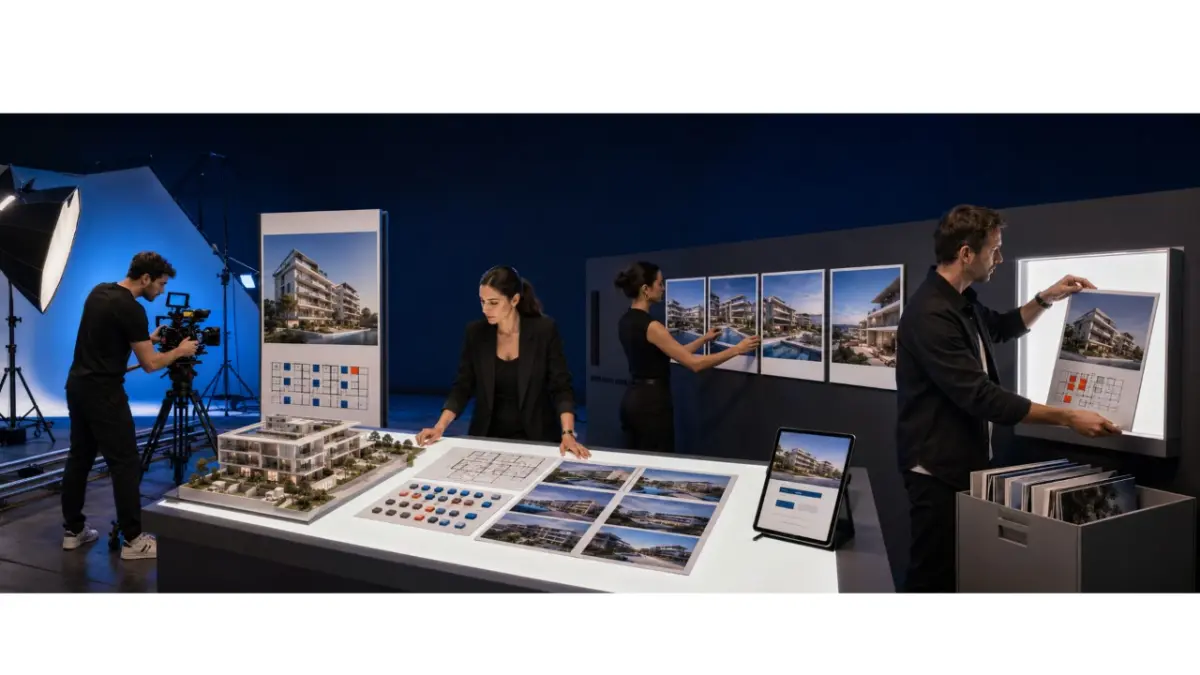
Effective property marketing begins before a campaign reaches Facebook, Instagram or LinkedIn. Developers need one approved source for prices, availability, floor plans, construction status, images and contact details. Social platforms can then distribute that information without becoming separate, conflicting versions of the project.
Why current project data comes first
Social media is a distribution channel, not the primary record for a development. Before launching a campaign, the team should confirm the project name, location, construction stage, prices, availability, floor plans, media and enquiry route.
When this information is scattered across emails, folders and presentations, marketers can easily use the wrong version. The approved project record should therefore be checked before the team produces videos, carousels, posts or advertisements.
Choosing the right platform
The channel should match the campaign objective, target audience and available content. Most developers do not need to maintain Facebook, Instagram, LinkedIn, YouTube and TikTok at the same level.
- Instagram and Facebook can present residential projects visually and generate buyer enquiries.
- LinkedIn can support company positioning, professional partnerships and commercial project announcements.
- YouTube can host longer walkthroughs, construction updates and explanations of the project.
- TikTok may suit short video content when the team can produce and review it consistently.
One well-managed channel is usually more useful than several neglected accounts showing different project information.
Where LinkedIn marketing for developers fits
LinkedIn is most relevant for corporate positioning, business partnerships, commercial developments, company updates and content aimed at a professional audience. Developers can use it to introduce a project, explain a construction milestone or share information about the team and its delivery record.
It may be less suitable when the only objective is broad consumer reach for individual residential units. The platform should be selected because it supports the campaign goal.
Managing Facebook ads for projects with current information
Facebook can present individual properties, several layouts, location benefits and enquiry forms. Before launching housing advertisements, the team should check the platform’s current rules for audience settings and campaign content.
The launch review should confirm:
- The advertised price and availability against the approved project record.
- The floor plans, images and specifications used in every creative.
- The audience settings permitted for the advertisement.
- The destination page or form and the person responsible for enquiries.
- The information provided to people submitting personal details.
- The date and owner of the next campaign review.
An active campaign requires ongoing checks. Updating the main project record does not automatically update an advertisement that is already running.
Three practical advertising formats
No single format consistently outperforms every other option. The right choice depends on the campaign objective, the project and the quality of the available materials. Short-form video, carousel ads and lead forms are three practical options for development marketing.
Short-form vertical video
A short video can introduce the location, architecture, interiors, amenities or construction progress within a few seconds. The opening should show a specific feature, followed by a clear action such as requesting availability, downloading a brochure or booking a consultation.
Useful measurements include views, watch time, clicks and enquiries. A high view count alone does not indicate commercial interest.
Carousel ads
A carousel can present the project in a logical sequence. Separate cards may cover the exterior, location, property types, layouts and currently available options. Each card should communicate one clear point and use information from the same approved project version.
The complete carousel should be reviewed whenever the project changes. Replacing one image is not enough if another card still contains an outdated price or property status.
Lead forms
An embedded form reduces the number of steps between viewing an advertisement and submitting an enquiry. It can collect contact details and the project of interest without requiring a visitor to complete a long external form.
Before launch, the developer should decide who receives the enquiry, how quickly the person will be contacted and where the interaction will be recorded. The form should also explain how the submitted personal data will be handled.
Content that supports buyer decisions
Useful content answers a specific question about the development. Verified project details are more valuable than broad claims that could describe almost any property.
Suitable content categories include:
- Location and access to everyday services.
- Floor plans and differences between available layouts.
- Dated construction progress and confirmed milestones.
- Specifications and features included with particular properties.
- Current prices and availability.
- Approved payment terms and the next steps for an interested buyer.
Each category requires different source material. A floor-plan post needs an approved plan, a construction update needs current dated images, and an availability post needs a confirmed property status.
The review process before publication
A short approval process helps prevent avoidable errors:
- Confirm the price.
- Check availability.
- Review the project name and specifications.
- Confirm the floor plan.
- Check the current construction stage.
- Confirm image usage rights.
- Verify the enquiry contact.
- Test the destination page or form.
- Schedule the next campaign review.
These checks should continue after launch. Any change to the project data should trigger a review of active campaigns and scheduled content.
What to do when project details change
The team should update the primary project record first. It can then review the project page, active advertisements, scheduled posts, enquiry forms, presentations and materials shared with partner agents.
If a property is no longer available, the corresponding campaign should be paused or updated. An advertisement should not remain active simply because it continues to generate views.
How MLS RealtyHub supports the workflow
MLS RealtyHub gives developers a central place to manage project information, including prices, availability, floor plans and marketing materials. Marketing teams can use approved information when preparing content instead of collecting project details from several independent files.
For larger portfolios, Developer API Integration can support the exchange of project data with existing systems, while Developer Dashboard supports day-to-day review and updates.
MLS RealtyHub is not a social media advertising platform. It does not launch campaigns or replace Facebook, Instagram, LinkedIn or other channels. Within this workflow, it supports the structured project information used to create and review campaign materials.
Sharing materials with partner agents
Developers can provide agents with approved images, floor plans, prices, descriptions and contact rules. Agents may use those materials in their own communication, but they should not change the developer’s original project record or property facts.
The distribution process should define:
- Which materials agents may use and where they may publish them.
- How an agent’s contact details may appear alongside the project.
- How agents check prices and availability before publishing.
- How changes are communicated and outdated materials are withdrawn.
- Who receives and follows up on enquiries from each channel.
This allows the developer to retain control of the project information while agents communicate with buyers under their own name.
Managing enquiries after the campaign
Every enquiry should reach a named team member or partner. When messages remain divided between inboxes, advertising platforms and personal chats, the team can lose the project context and the next required action.
A Developer CRM Integration workflow can connect the source of an enquiry with the relevant project, responsible person, current status and follow-up task.
Measuring campaign performance
Performance indicators should be separated by stage because attention, interest and commercial activity represent different outcomes.
Attention metrics include:
- Reach and impressions.
- Video views and watch time.
- Engagement with posts and advertisements.
Interest metrics include:
- Clicks to the project page.
- Visits to property or floor-plan pages.
- Brochure requests and completed enquiry forms.
Commercial metrics include:
- Qualified enquiries.
- Booked viewings or consultations.
- Reservations and completed transactions attributed to the campaign.
None of these measurements guarantees a sale. Together, they show how the audience responds to the content and whether marketing activity is connected to sales follow-up.
A practical example
A developer promotes a project in Paphos through Instagram and Facebook. A short video introduces the location, a carousel presents the layouts, and a form collects requests for current availability. Every campaign asset is prepared from the same approved project record.
When one property is reserved, the team updates the main source, reviews the active campaign and replaces the card showing the previous availability. Partner agents receive the revised materials and stop promoting the unavailable option.
Common mistakes
- Launching a campaign before confirming the price and availability.
- Publishing the same material across every platform without adaptation.
- Selecting a platform only because it has a large audience.
- Leaving old advertisements active after the project changes.
- Publishing several versions of the same description.
- Failing to assign responsibility for enquiries.
- Sharing materials with agents without an update process.
- Measuring campaign success only through views.
- Collecting personal data without a defined handling process.
- Presenting MLS RealtyHub as an automatic advertising system.
The next step
A reliable social media for developers Cyprus workflow connects every social platform with current project information. The marketing team selects the channel and format, MLS RealtyHub supports the structured data behind the campaign, and a responsible team member reviews active advertising whenever the project changes.
Request an MLS RealtyHub demonstration to see how project information and marketing materials can provide a controlled foundation for social media campaigns.
Frequently asked questions
How should a developer choose a social media platform for a project?
Start with the campaign objective and intended audience, then choose a platform suited to the available content. The team should also be able to keep the account and its advertisements current throughout the campaign.
What should happen to an advertisement when a unit is reserved?
Update the central project record, then pause or revise any advertisement showing the unit as available. Check scheduled posts, project pages and materials shared with partner agents for the same outdated information.
Does MLS RealtyHub run social media campaigns automatically?
No. MLS RealtyHub supports the project information used to prepare and review campaigns. The marketing team remains responsible for advertising, platform settings, approvals and enquiry follow-up.