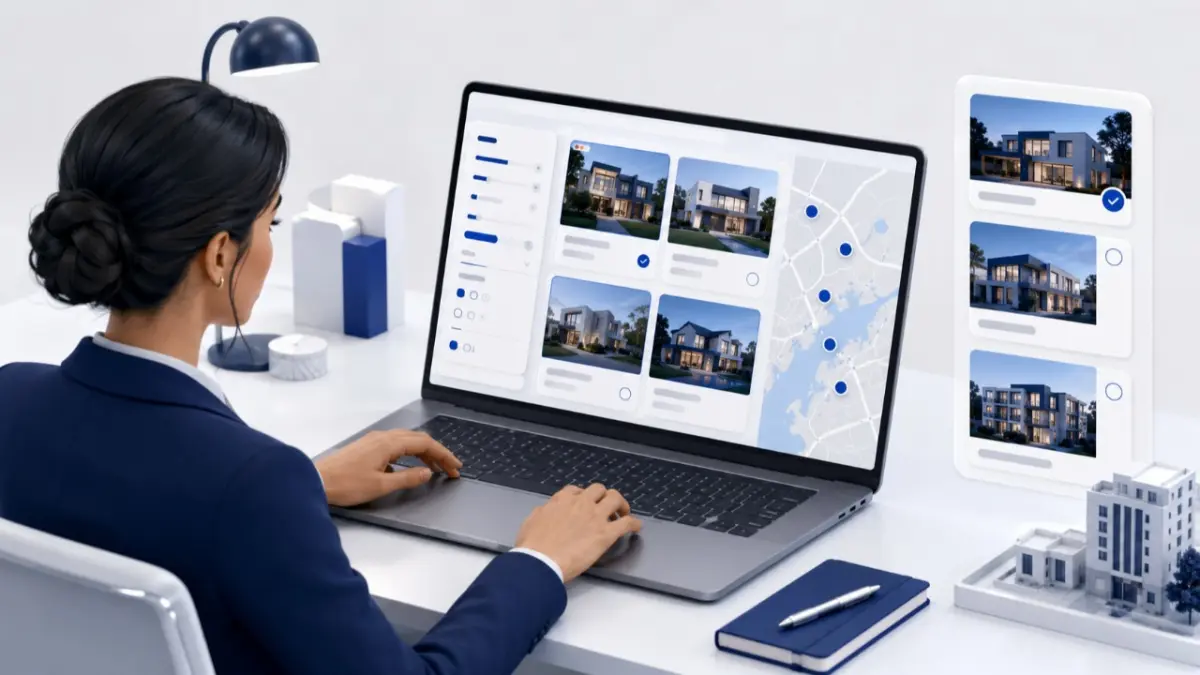
A property promotion works when the offer, eligible units, project information and sales response are planned together. A graphic alone cannot tell the team which units qualify or what should happen when an enquiry arrives.
This guide helps Cyprus sales and marketing teams turn an objective into an approved campaign for a project launch, selected-unit offer, viewing programme or seasonal activity.
What to prepare before planning the campaign
Start with current project and unit information rather than campaign copy. Record stable unit references, availability, approved prices, floor plans, parking and storage, construction status, estimated completion wording and current images. Label renders clearly.
You will also need:
- the target audience and intended next action;
- the benefit, dates, eligibility and exclusions;
- reviewed VAT, payment and reservation wording where relevant;
- one official project page or terms source;
- a campaign owner, enquiry owner and backup;
- a process for updating agents and removing expired materials.
How to plan and launch the promotion
1. Define one measurable objective
Write one sentence describing what the campaign must change: generate viewings, reactivate relevant leads, support a new phase or draw attention to defined units. Match the metric to the objective. A viewing campaign tracks bookings and attendance; a selected-unit campaign tracks qualified enquiries and reservations for those units.
2. Select the audience and eligible inventory
Define the buyer or partner group, then specify whether the campaign covers the project, one phase, a property type or named units. Give every eligible unit a stable reference and check its status on a stated date.
3. Choose one supportable offer
Choose an offer that responds to a buyer concern and remains manageable. Options include selected-unit pricing, a payment plan, a furniture package, an upgrade, parking or storage where applicable, a viewing programme or access to a genuine release. Effective developer promotions cyprus do not always depend on reducing the headline price.
Check the offer against margin, reservations, construction stage and contractual implications. Define what is included and avoid combining unrelated benefits.
4. Write complete campaign terms
Record the benefit, units, dates, buyer eligibility, exclusions, reservation or payment conditions and combination rules. Confirm any comparison between standard and campaign prices. Use reviewed wording for VAT and transaction costs.
Keep material conditions in a readable official source, not only in graphic small print. Claims such as “selected apartments”, “from €X” or “only a few left” need a current basis. The same applies to limited time offers new builds: the end date must have a genuine reason.
5. Create one approved campaign brief
Use the brief as the factual source for every channel. Development confirms project facts, sales verifies inventory and enquiries, finance approves commercial limits, and marketing adapts the message. Obtain specialist review for wording that affects contracts, VAT, deposits, payments or eligibility.
Before approval, test links, forms and phone routing on mobile. Confirm dates, prices, plans, image labels and contacts. Do not release a version while a material term is unresolved.
6. Update the official source and prepare agents
Publish the complete offer on the project or campaign page. Keep temporary terms distinct from the permanent project record.
Give agents the unit table, availability, benefit, terms, plans, approved media, reservation procedure, co-branding rules and expiry instructions. In a promo campaign mls workflow, structured distribution can keep unit data and materials aligned; it is not a guarantee of reach or sales.
7. Launch selected channels and manage enquiries
Choose channels by audience. A landing page holds terms; portals reach active searchers; email can re-engage appropriately consented contacts; social and paid media introduce the offer; agent communication supports partner distribution. Keep units, dates and conditions consistent.
Assign every enquiry a campaign, project and unit reference. Confirm availability and eligibility, then record the next action. When a unit is reserved, update the official source and notify agents.
8. Close the campaign and review the result
At expiry, remove campaign claims, withdraw dated assets, inform agents and decide how open enquiries will be handled. Recheck units, prices and terms before any approved extension.
Compare the outcome with the objective using qualified enquiries, unit views, viewing attendance, agent participation, reservations, stage progression and paid cost per qualified enquiry. Reach alone does not show commercial value.
Seasonal campaign example: autumn viewings in Paphos
A fictional Paphos project has six completed apartments available. A four-week autumn programme aims to generate qualified viewings from international visitors, previous consented leads and relevant agents. Three named units include an approved furniture package with documented contents, eligibility, dates and contract treatment.
The project page shows current photographs, the unit matrix, plans and viewing dates. Agents receive the booking route and expiry instructions. The project page, selected listings, agent email, paid media and lead reactivation carry the same facts. The team reviews unit enquiries, attended viewings, agent participation and reservations.
Reusable developer campaign brief
Complete these fields before any material is distributed:
- Campaign: name, project, objective and audience.
- Inventory: eligible unit references and availability-check date.
- Offer: exact benefit, rationale, start and end dates.
- Terms: eligibility, exclusions, prices, VAT, reservation and payment conditions.
- Message: one core statement and one intended next action.
- Assets: page update, unit table, plans, images, agent pack and channel versions.
- Distribution: selected channels, agent instructions and co-branding rules.
- Enquiries: primary route, owner, backup, CRM fields and tracking code.
- Approval: development, sales, finance, marketing and relevant specialists.
- Expiry: asset withdrawal, agent notification and treatment of active enquiries.
- Measurement: success criteria linked to the objective.
Remove fields that do not apply, but retain the offer, inventory, dates, ownership, approval and expiry information.
Common mistakes and practical corrections
Mistake
Practical correction
Choosing a discount before defining the objective
Identify the commercial problem and intended buyer action first.
Referring only to “selected units”
Publish or provide the exact eligible-unit list.
Using different terms across channels
Adapt every version from one approved brief.
Leaving VAT, eligibility or exclusions unclear
Obtain the appropriate review and state the approved position.
Sending agents only a social graphic
Supply the full pack, current inventory and reservation route.
Directing all responses to a general inbox
Assign an owner, backup and campaign identifier.
Pre-launch checklist
- Objective, audience, next action and measure are defined.
- Units, prices and availability have been checked.
- Benefit, dates, eligibility, exclusions and conditions are clear.
- Relevant VAT, contractual and data-use wording has been reviewed.
- The project page, plans, images and terms agree.
- Agents have the current pack and expiry instructions.
- Forms, routing and tracking work on mobile.
- Enquiry, update and withdrawal owners are assigned.
Keep campaign facts connected to current inventory
MLS RealtyHub helps developers keep project information, unit availability and approved materials accessible to agents. Use that shared reference in a controlled promotional workflow while approval and enquiry handling remain with the responsible teams. Contact MLS RealtyHub to organise your developer-to-agent process around current project data.
Frequently asked questions
How can developers promote new-build properties in Cyprus?
Combine channels that fit the project stage and audience: the project page, licensed agents, portals, structured distribution, appropriately consented email, paid media, social content and events. Point each to current information and one enquiry route.
What types of incentives can property developers offer?
Options include selected-unit pricing, payment structures, packages, upgrades, parking or storage where applicable, viewing programmes and early access. Define and approve the benefit and its terms.
Do property promotions always require a price discount?
No. Payment flexibility, an included package, an upgrade, a scheduled viewing programme or access to a genuine release can address the campaign objective without reducing the price.
How should promotional terms be shared with real estate agents?
Provide one approved summary with units, prices, availability, dates, conditions, plans, media, reservation process, contacts and expiry instructions. Mark what agents may adapt.
Can an MLS support a property-development promotion?
It can support structured project data, current availability and approved materials for agents. It is not automatically an advertising network, legal approval system, CRM or performance guarantee.
How long should a new-build promotion run?
There is no universal Cyprus duration. Use the project stage, eligible inventory, buyer decision time, agent briefing cycle, sales capacity and campaign reason. Set an end or review date.
What should happen when a promoted unit becomes unavailable?
Remove it from active materials, update the official source and inform agents. Add a replacement only when it is identified and approved under the applicable terms.
How can developers measure whether a promotion worked?
Measure qualified enquiries, unit-level interest, viewings, reservations, agent participation, sales-stage progression and relevant acquisition cost against the objective. Record outdated-material incidents too.
Author
This material was written by Maria Vashchenko.
For questions, collaboration, or further discussion, feel free to contact me on LinkedIn.